Keyword Research Bundle: 5 Templates for SEO Planning
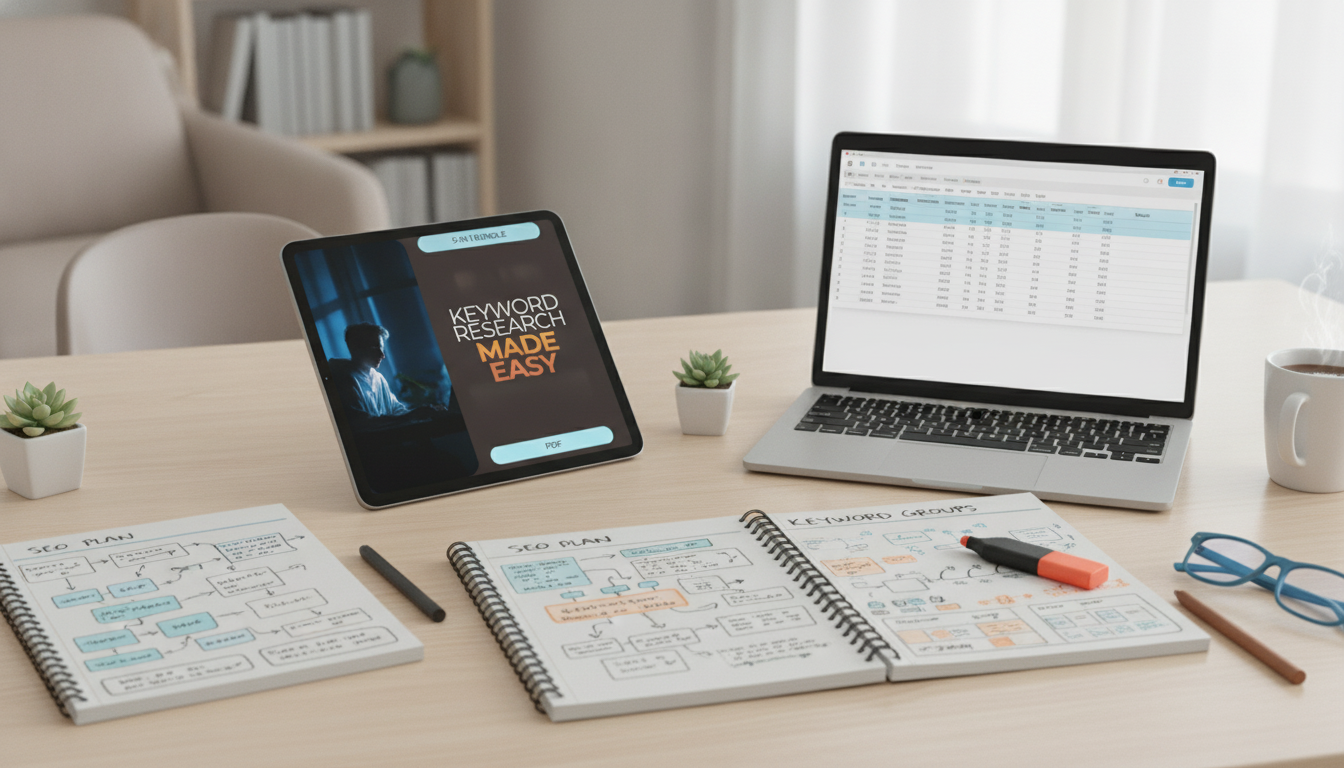
Keyword Research Made Easy Bundle: 5 Digital Downloads for Smarter Content Planning
When content ideas live in scattered notes, it’s easy to publish based on guesses instead of a clear plan. The Keyword Research Made Easy Bundle (5-in-1 Digital Download Set) is designed to turn brainstorming into a repeatable system—so broad topics become specific search terms, related ideas get organized into clusters, and priorities translate into an actual publishing calendar. The result is a workflow that’s simple enough to run solo, but structured enough to hand off to a teammate or contractor.
What This Bundle Helps Accomplish
This set supports a practical planning cycle that makes it easier to choose what to create next and why. It helps you:
- Turn broad topics into specific search terms people actually use
- Spot opportunities where smaller sites can compete (lower competition, clearer goal behind the query)
- Group related terms into content clusters to build topical coverage
- Prioritize what to publish first using consistent scoring rules
- Create a system that can be repeated for new products, services, or blog categories
For quick validation of seasonality or rising interest, tools like Google Trends can help confirm whether a topic is steady, seasonal, or spiking before you commit time to a full content build-out.
What’s Included in the 5-in-1 Digital Download Set
Everything in the bundle is meant to work together as a single workflow: idea → research → grouping → prioritization → publishing plan. You’ll get templates that reduce manual setup time, keep fields consistent across projects, and include simple instructions so you can start immediately without complicated tooling.
Bundle components and how they’re used
| Component | Primary use | Best for |
|---|---|---|
| Keyword discovery template | Collect and expand topic ideas into search terms | Brainstorming and initial research |
| Intent + relevance checklist | Clarify what a searcher wants and match it to the right page type | Avoiding mismatched content |
| Clustering worksheet | Group related terms into clusters and supporting pages | Building topical coverage |
| Prioritization scorecard | Rank opportunities by value, effort, and competition | Deciding what to publish first |
| Content plan calendar | Turn priorities into a publishable schedule with deadlines | Consistent execution |
If you want a reference for planning content that’s genuinely useful and focused on real people (not just metrics), Google’s guidance on creating helpful, reliable content is a strong north star for what to publish and how to evaluate it over time.
Who It’s For
The bundle is built to be flexible across niches and page types—blog posts, landing pages, product pages, collections, and buying guides. It’s especially useful for:
- Small business owners creating their own site pages and blog content
- Creators and bloggers who want a clearer system for choosing topics
- Ecommerce teams planning category pages, collections, and buying guides
- Agencies and freelancers who need a repeatable process for client work
- Beginners who want structure, plus experienced marketers who want speed and consistency
How to Use the System (A Practical Workflow)
The best part of a templated process is repeatability. Once your fields and rules are set, each new project feels familiar—even when the niche changes.
- Start with a seed topic list: products, services, audience problems, and common questions.
- Expand each seed: use related searches, competitor pages, internal site search, and trend tools.
- Assign a goal to each query: learn, compare, buy, or troubleshoot—then match it to the right page format.
- Cluster related terms: pick one “main” page per cluster and map supporting pages that answer adjacent questions.
- Score each cluster: weigh business value, effort, and competitiveness to build a ranked backlog.
- Schedule production: move the highest priorities into the calendar with deadlines and owners.
For additional expansion ideas and estimated demand ranges, you can also reference the official Google Ads Planner help documentation to understand how Google describes its planning tools and data.
What Makes a Strong Search Term List
A useful list isn’t the biggest list—it’s the one that stays organized, maps cleanly to pages, and can be refreshed without starting over.
- Clear purpose: the phrase reveals whether the searcher wants information, a comparison, or a solution.
- Specificity: longer, more descriptive phrases often convert better and are easier to satisfy with one page.
- Relevance: terms should map to what the business can realistically offer and fulfill.
- Coverage: clusters should include variations, subtopics, and related questions to support a main page.
- Maintainability: the list should be easy to update as products, seasons, and trends change.
DIY vs. Using a Ready-Made Bundle
Approach comparison
| Approach | Pros | Common drawbacks |
|---|---|---|
| Do-it-yourself spreadsheets from scratch | Flexible and customized | Time-consuming setup; inconsistent structure; easy to lose track of priorities |
| Using this 5-in-1 bundle | Fast setup; consistent workflow; clearer prioritization and planning | Requires following the system for best results |
Download, Setup, and Ongoing Use
Other In-Stock Digital and Lifestyle Picks
- Keyword Research Made Easy Bundle | 5-in-1 Digital Download Set for SEO Success
- Eco-Friendly Laundry Day Checklist | Sustainable Living Guide | Digital Download Printable for Green Home & Zero Waste Lifestyle
- Elegant Korean Style Bow Pockets Short Coat for Women
FAQ
What file format is included with the digital downloads?
The set is provided as digital files designed for easy use and editing in common tools (such as spreadsheet templates and print-friendly documents). The specific file types are shown on the product page and can be opened with standard office or document apps.
How quickly is the download available after purchase?
Delivery is digital, so access is typically available right after checkout through your order confirmation page or via an email link. If the email doesn’t appear within a few minutes, check spam or junk folders.
Is this suitable for beginners with no prior experience?
Yes. The step-by-step workflow and checklists provide structure so you can move from ideas to a prioritized plan without guesswork. Basic comfort with spreadsheets is helpful, but the system is designed to be straightforward.
















Leave a comment